Why File Reducer exists
File Reducer started from a common frustration: upload forms, email services and chat apps keep rejecting files that are a little too large, and many compression websites ask people to upload private documents or create an account first.
This website takes a different route. The image, PDF and video compressors run inside your browser, so files are processed on your own device and never sent to a server.
What the tool does
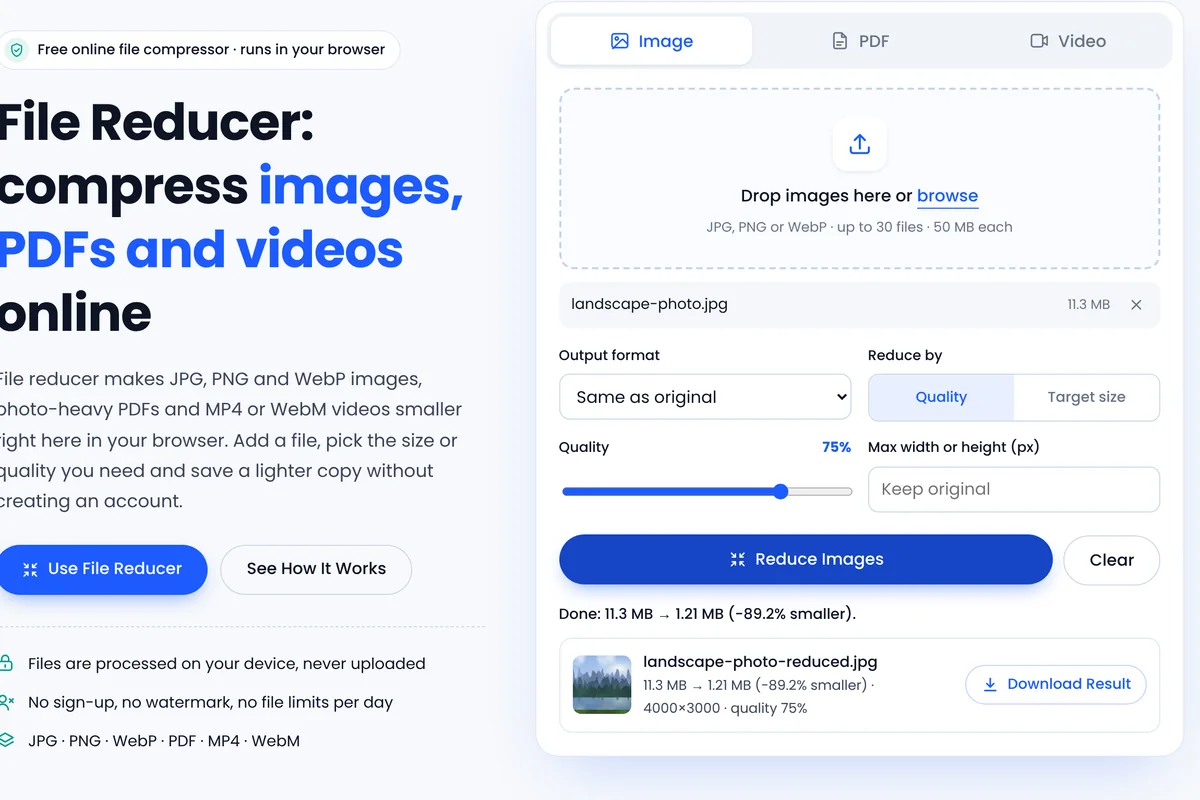
The image compressor re-encodes JPG, PNG and WebP pictures with adjustable quality, an optional target size and resizing. The PDF compressor re-encodes embedded photos and scans while leaving text and vector graphics untouched. The video compressor re-records clips at a chosen resolution and bitrate as MP4 or WebM, depending on what your browser supports.
How the website is built
Every page uses plain HTML, CSS and JavaScript. Fonts, styles and scripts are served from this website, and there are no advertising or analytics scripts. Processing relies on standard browser features such as the Canvas API, the Compression Streams API and MediaRecorder.
What to expect
Results depend on the file you add and the settings you choose. Every result shows the original and new size so you can judge the outcome before downloading. The guides explain the settings in detail, and the contact page lists the address for questions and feedback.